About
Ubo App
Home screen actions → Menu → About
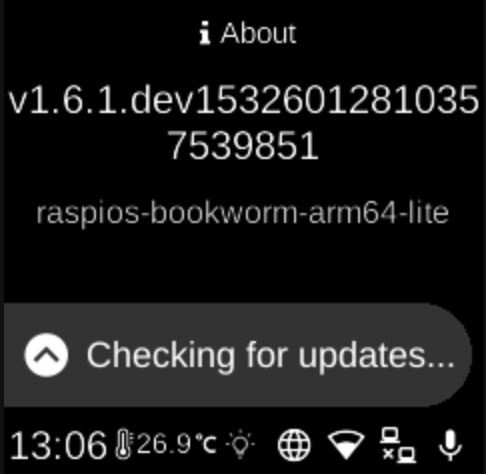
About () shows device and app version information. Open it from the Menu on the home screen.
What you see
- A heading with the current Ubo app version (e.g. “Ubo v1.2.3”).
- Base image information, indicating the underlying system image the device uses.
- Options to manage versions and updates, such as:
- Recent versions — List of recent app versions you can install. Choosing a version may show a confirmation; confirm to start installation.
- Installed versions — List of installed versions. The current version is usually indicated. You can switch to another installed version if more than one is present.
- Other update-related entries depending on your device.
Navigation
- Use UP and DOWN to move between items.
- Use L1, L2, or L3 to select an item or confirm an action.
- Use BACK to go back one level or close About.
- Use HOME to return to the home screen.
Installation or version changes may trigger a restart or reload of the app; follow any on-screen prompts.