Open WebUI
Ubo App
Home screen actions → Menu → Apps → Open WebUI
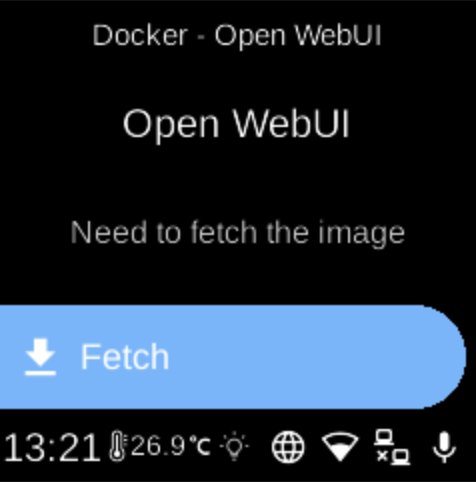
Open WebUI () is a web interface for chatting with local LLMs. When installed as a Docker app, it appears in Apps and can be started, stopped, or opened from its menu. It typically uses Ollama as the backend.
Port
- 8080 — Web UI.
On the device
From the Docker Apps list, select Open WebUI to open its app menu. There you can start or stop the container, pull images, or remove the app. Ensure Ollama is running if you use it as the model backend. When running, open the web UI in a browser on port 8080.