Assistant
Ubo App
Home screen actions → Menu → Settings → Assistant
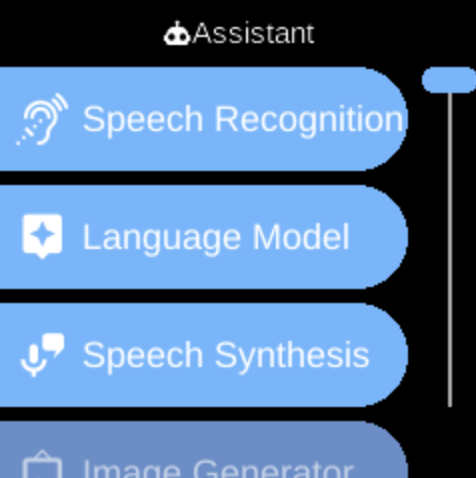
The Assistant () category in Settings groups options for the on-device voice assistant: providers, engines, and MCP tools.
What you see
When you open Assistant, you see:
- Manage () — Setup providers used by assistant features (speech, language model, image generation).
- MCP Tools () — Add and manage Model Context Protocol (MCP) servers.
- Image Generator () — Select the active image-generation engine (offline or online).
- Speech Synthesis () — Select the active text-to-speech engine.
- Language Model () — Select the active language model (LLM) engine.
- Speech Recognition () — Select the active speech-to-text engine (e.g. for wake word and voice input).
The exact items and engines depend on your device and configuration.
Navigation
- Use UP and DOWN to move between options.
- Use L1, L2, or L3 to select an item and open its sub-menu or screen.
- Use BACK to return to the Settings category list or the main menu.
- Use HOME to go to the home screen.