Manage
Ubo App
Home screen actions → Menu → Settings → Assistant → Manage
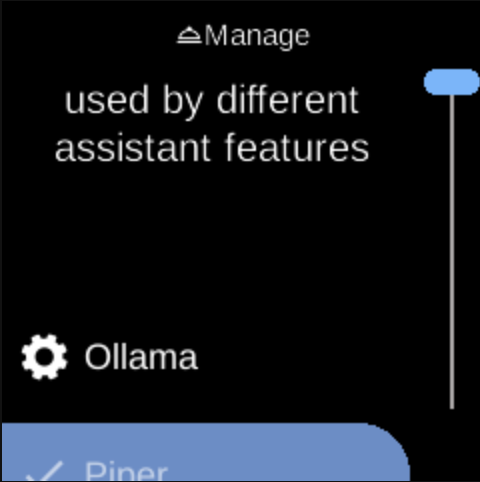
Manage () lets you set up providers used by different assistant features (speech recognition, language model, speech synthesis, image generation). Open it from Assistant in Settings.
What you see
When you open Manage, the screen title is Manage with heading Setup providers to be used by different assistant features. You see a list of provider-related options. Each provider you configure may be used by Speech Recognition, Language Model, Speech Synthesis, or Image Generator when you select an engine in those menus.
The exact items depend on your device and which providers are available.
Navigation
- Use UP and DOWN to move between options.
- Use L1, L2, or L3 to select an option and configure it.
- Use BACK to return to the Assistant menu.
- Use HOME to go to the home screen.