MCP Tools
Ubo App
Home screen actions → Menu → Settings → Assistant → MCP Tools
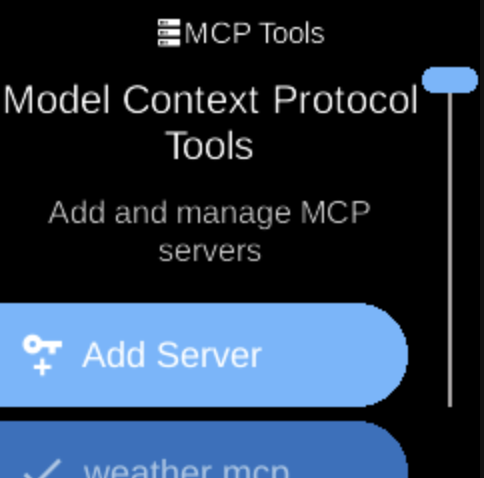
MCP Tools () lets you add and manage Model Context Protocol (MCP) servers used by the assistant. Open it from Assistant in Settings.
What you see
When you open MCP Tools, the screen title is MCP Tools with heading Model Context Protocol Tools and sub-heading Add and manage MCP servers. You see a list of registered MCP servers and an option to add a new server. MCP servers extend the assistant with tools and data (e.g. APIs, file access).
You can add a server (e.g. by URL or configuration) and remove existing ones. The list may be empty until you add servers.
Navigation
- Use UP and DOWN to move between servers and the add option.
- Use L1, L2, or L3 to select an item, add a server, or remove one.
- Use BACK to return to the Assistant menu.
- Use HOME to go to the home screen.