Speech Recognition
Ubo App
Home screen actions → Menu → Settings → Assistant → Speech Recognition
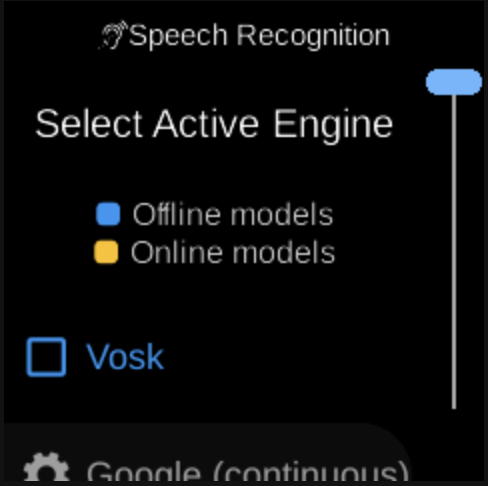
Speech Recognition () lets you choose which engine the assistant uses for speech-to-text (STT). Open it from Assistant in Settings.
What you see
When you open Speech Recognition, the screen title is Speech Recognition with heading Select Active Engine. The sub-heading indicates that some options are Offline models (run on the device) and others Online models (use a remote service). You see a list of available engines; the active one is highlighted (e.g. green).
Select an engine to set it as the active speech recognition engine for the assistant (e.g. for wake word and voice input).
Navigation
- Use UP and DOWN to move between engines.
- Use L1, L2, or L3 to select an engine.
- Use BACK to return to the Assistant menu.
- Use HOME to go to the home screen.