Docker
Ubo App
Home screen actions → Menu → Settings → Docker
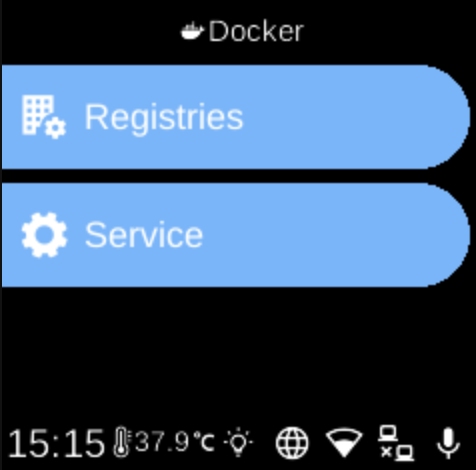
The Docker () category in Settings groups options for the Docker service and container management on the device.
What you see
When you open Docker, you see:
- Service () — Install, start, or stop the Docker service. If Docker is not installed, you can install it from here; if it is not running, you can start it. The screen shows status (e.g. Checking, Not Installed, Not Running, Running, Error) and the right action (Install Docker, Start Docker, Stop Docker).
- Registries () — Log in to Docker registries (e.g. docker.io). Add credentials via QR code or Web UI so the device can pull private images. The sub-menu lists saved registries; select one to log out and remove its credentials.
See Docker service for technical details. For running apps, see Apps and the Docker apps list.
Navigation
- Use UP and DOWN to move between options.
- Use L1, L2, or L3 to select an item and open its sub-menu or screen.
- Use BACK to return to the Settings category list or the main menu.
- Use HOME to go to the home screen.