Hardware
Ubo App
Home screen actions → Menu → Settings → Hardware
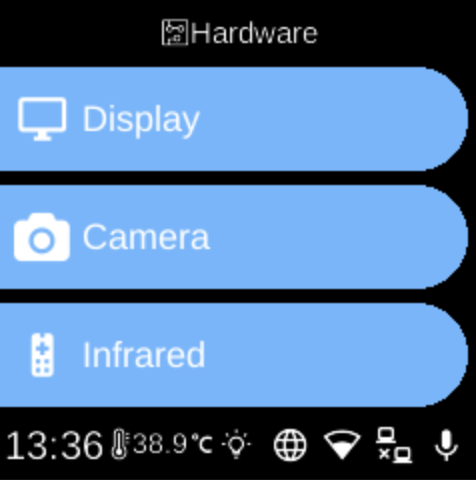
The Hardware () category in Settings groups options for display, camera, and infrared on the device.
What you see
- Display — Screen timeout: choose how long before the screen blanks after inactivity (e.g. 1 min, 5 min, 10 min, 30 min, 1 hour, or Off).
- Camera — Select which camera device to use and run Detect Cameras to scan for connected cameras.
- Infrared — Replay devices, add/remove IR remotes, and set Receive Keys / Propagate Keys.
The exact items depend on your device and which hardware services are available.
Navigation
- Use UP and DOWN to move between options.
- Use L1, L2, or L3 to select an item and open its sub-menu or screen.
- Use BACK to return to the Settings category list or the main menu.
- Use HOME to go to the home screen.