Replay Devices
Ubo App
Home screen actions → Menu → Settings → Hardware → Infrared → Replay Devices
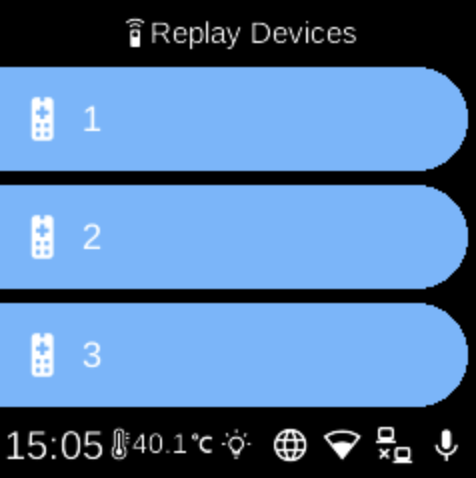
Replay Devices () lists your registered IR remote devices so you can send (replay) a device’s IR code. Open it from Infrared in Hardware settings.
What you see
When you open Replay Devices, the screen title is Replay Devices. You see one row per registered device, each showing the device name you gave when pairing. If no devices are registered, the list shows No devices registered.
How to use
- Select a device to send its IR code. The device emits the infrared signal for that remote (e.g. to control a TV or other equipment).
- To add devices, go back to Infrared and choose Manage Keys → Add Keys.
- To remove a device, use Manage Keys → Remove Keys.
Navigation
- Use UP and DOWN to move between devices.
- Use L1, L2, or L3 to select a device and replay its code.
- Use BACK to return to the Infrared menu.
- Use HOME to go to the home screen.