System
Ubo App
Home screen actions → Menu → Settings → System
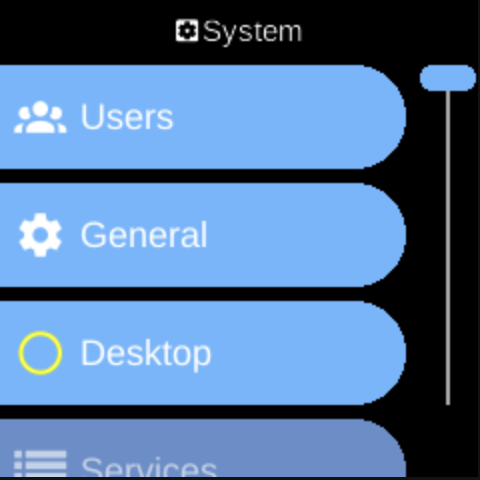
The System () category in Settings groups general system options: development toggles, a list of configurable services, and third-party tools.
What you see
- General — Toggles for PDB Signal (debugger), Visual Debug, and Beta Versions. Aimed at developers or testers.
- Services — List of configurable system services. Each entry opens that service’s menu (Start/Stop, Auto Load, log level, errors). See Architecture → Services for an overview.
- Users — Add user accounts, reset passwords, and delete users (except the default account).
- Desktop — Install, start, stop, or enable the desktop (LightDM) for graphical login and sessions.
- Third Party — Optional tools (e.g. Re/Install Audio for certain speaker hardware). The list depends on your device.
The exact items depend on your device and configuration.
Navigation
- Use UP and DOWN to move between options.
- Use L1, L2, or L3 to select an item and open its sub-menu or screen.
- Use BACK to return to the Settings category list or the main menu.
- Use HOME to go to the home screen.