General
Ubo App
Home screen actions → Menu → Settings → System → General
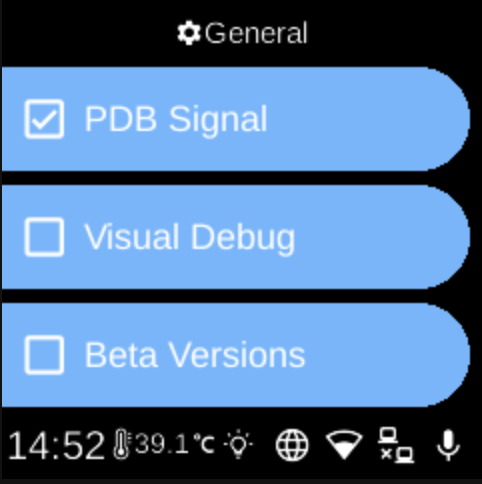
General () holds development and testing toggles. Open it from Settings → System. These options are aimed at developers or testers.
What you see
When you open General, the screen title is General and you see:
- PDB Signal — When enabled, the device can respond to PDB (Python debugger) signals so you can attach a debugger. The icon shows whether it is on () or off ().
- Visual Debug — When enabled, turns on visual debugging features. The icon shows on () or off ().
- Beta Versions — When enabled, allows beta or pre-release versions to be used (e.g. for updates). The icon shows on () or off ().
Select an item to toggle it on or off.
Navigation
- Use UP and DOWN to move between options.
- Use L1, L2, or L3 to select an option and toggle it.
- Use BACK to return to the System settings list or the main menu.
- Use HOME to go to the home screen.