Third Party
Ubo App
Home screen actions → Menu → Settings → System → Third Party
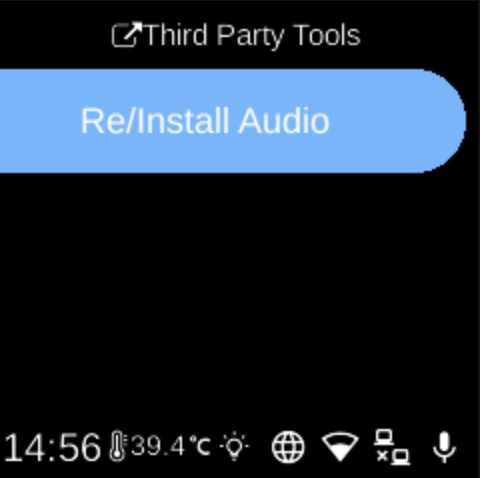
Third Party () lists optional tools that depend on your device hardware. Open it from Settings → System. The list is built from detected hardware (e.g. certain audio hardware).
What you see
When you open Third Party, the screen title is Third Party Tools. You may see:
- Re/Install Audio — Reinstall or install the audio driver for compatible speaker hardware (e.g. WM8960). Shown only when the device has the matching audio hardware.
If no third-party tools are available for your device, the list may be empty or show a placeholder.
Navigation
- Use UP and DOWN to move between options.
- Use L1, L2, or L3 to select an option and run it.
- Use BACK to return to the System settings list or the main menu.
- Use HOME to go to the home screen.