Ubo interface
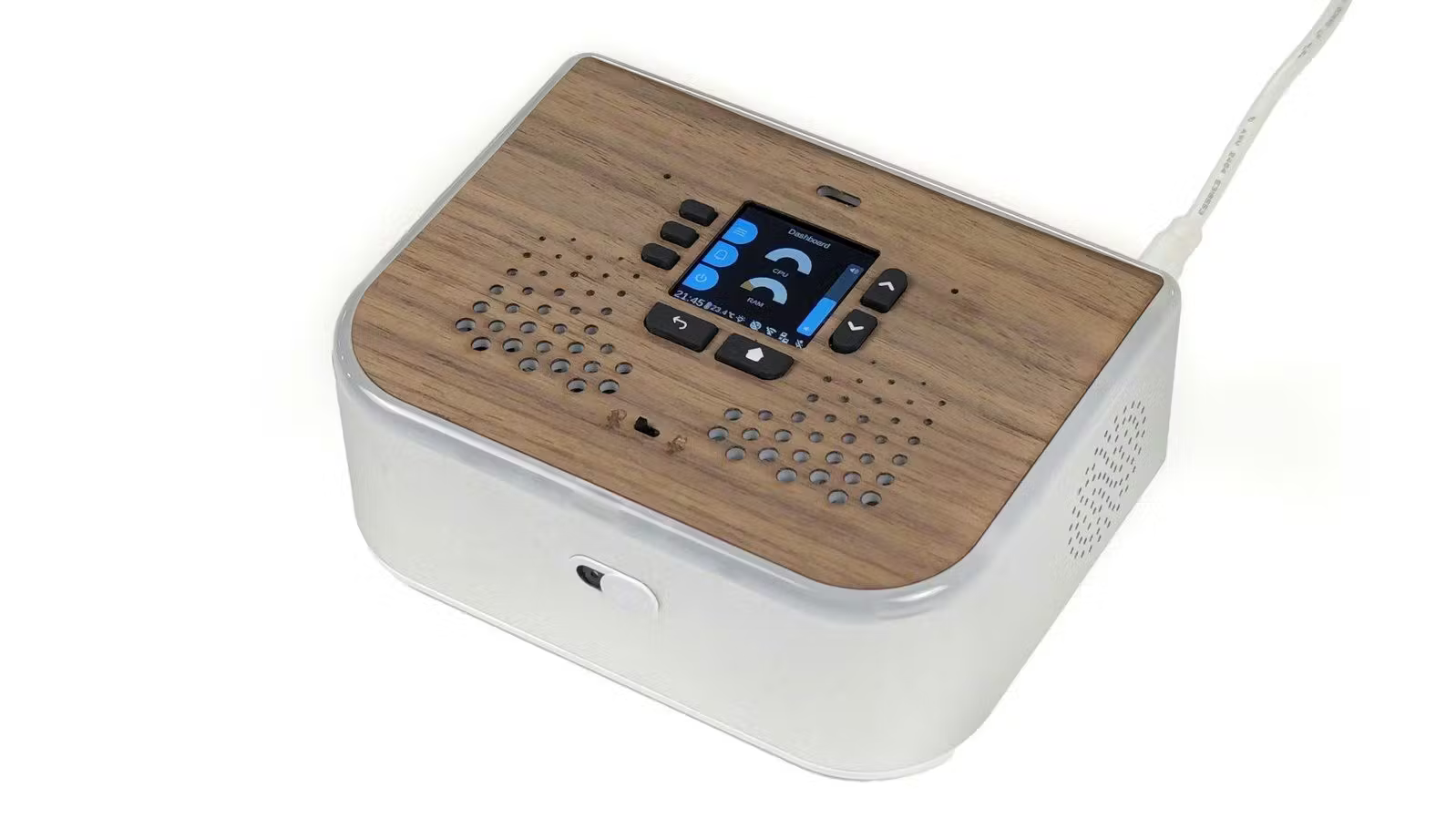
The Ubo device has a physical keypad with seven buttons. Here is what each one does.
Navigation buttons
- UP (↑) — Move up in lists and menus. On the home screen, press to turn volume up.
- DOWN (↓) — Move down in lists and menus. On the home screen, press to turn volume down.
- BACK (⟲) — Go back one level or close the current screen.
- HOME (⌂) — Go to the home screen. Press and hold on the home screen to talk to the assistant (release when done).
Selection buttons (L1, L2, L3)
Three buttons on the left (L1, L2, L3) select the first, second, or third item on the screen. In menus they choose the option shown next to each label.
Combination shortcuts
These use two buttons at once:
- HOME + L1 — Take a screenshot.
- HOME + L2 — Save a store snapshot (for debugging).
- HOME + L3 — Start or stop recording your key presses.
- BACK + L3 — Replay the last recorded key sequence.
- HOME + BACK — Exit the application.